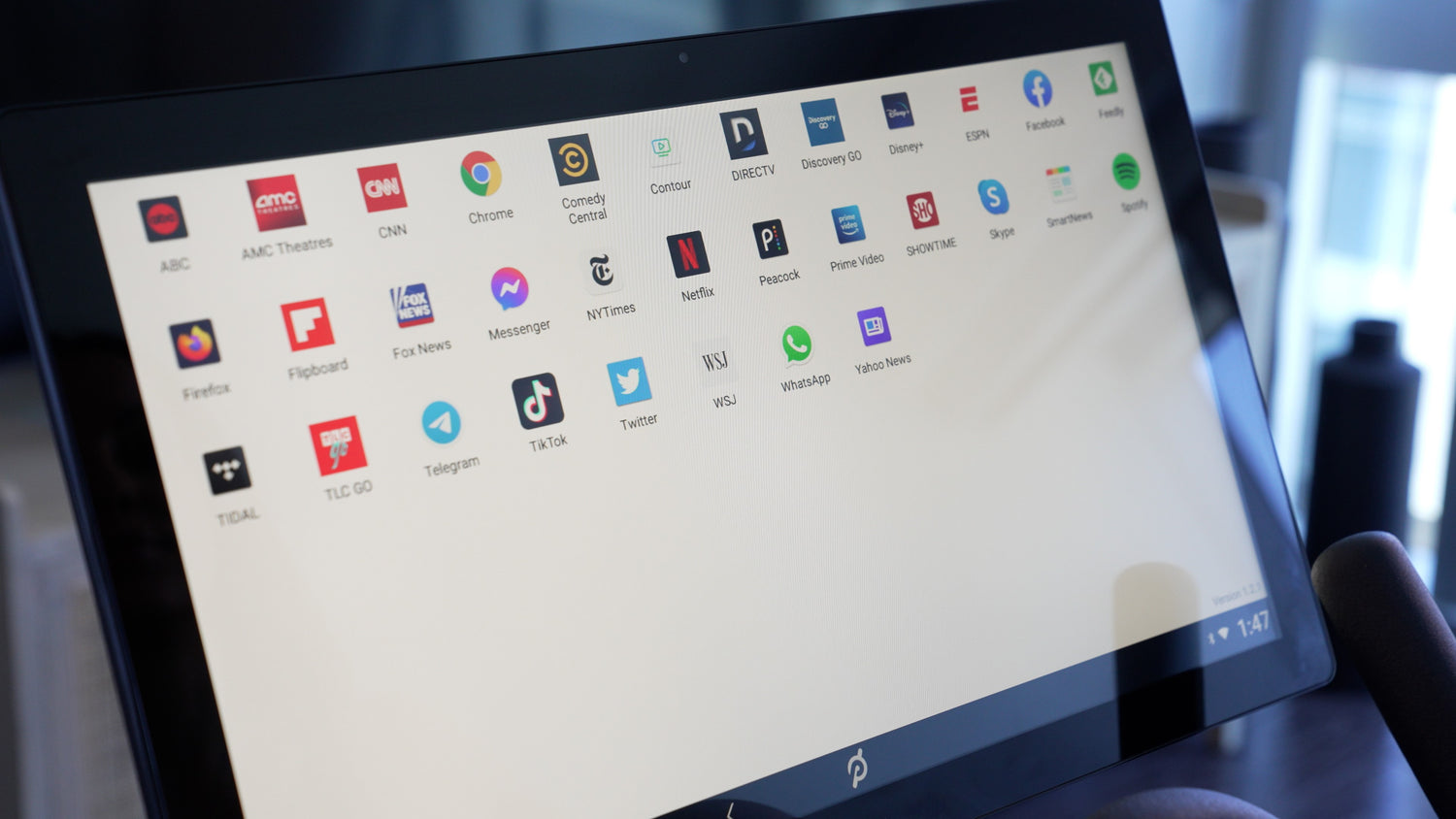
Run Youtube, Rouvy & 30+ Apps on Your Peloton Without Subscription
How It Works
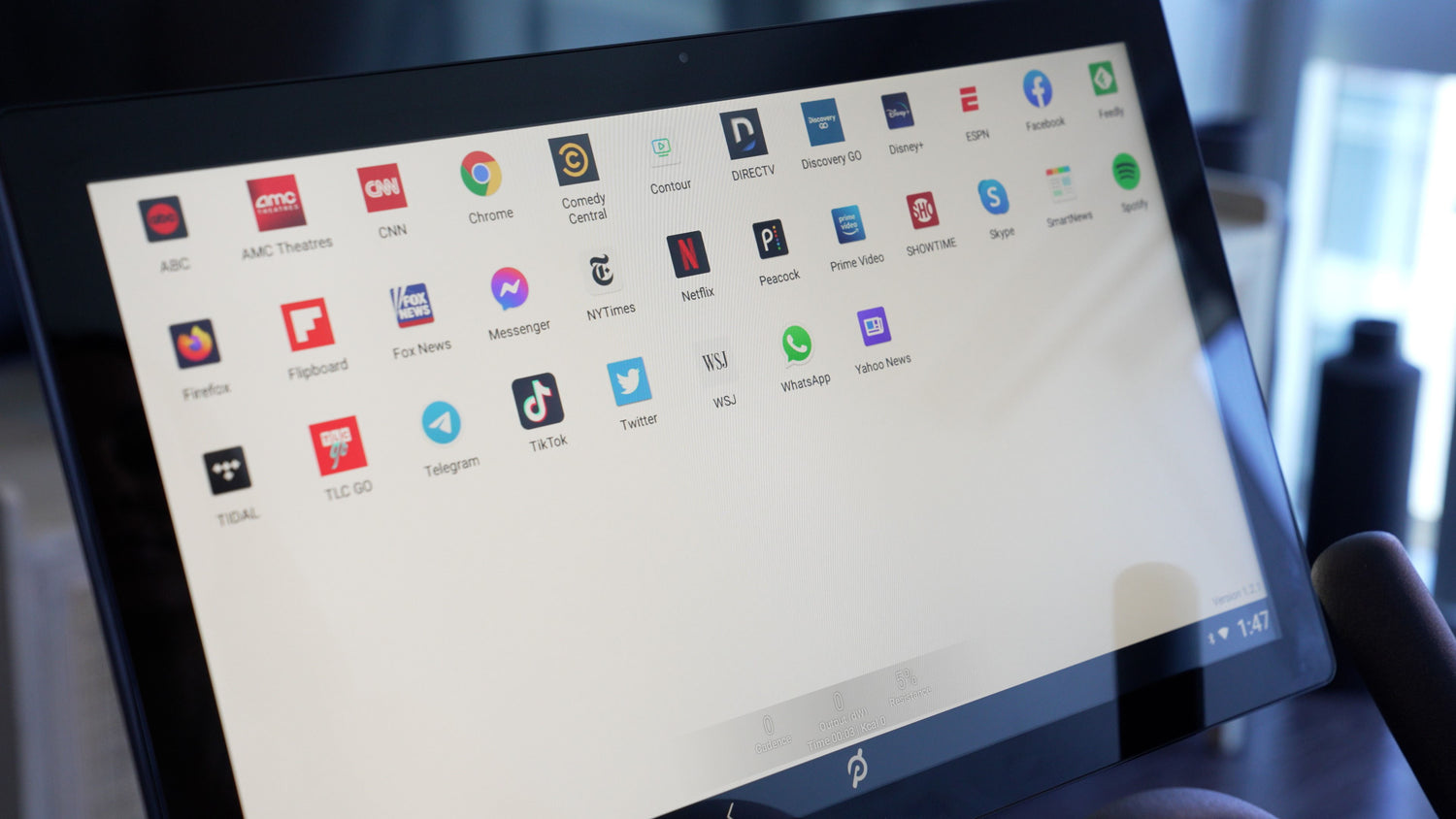
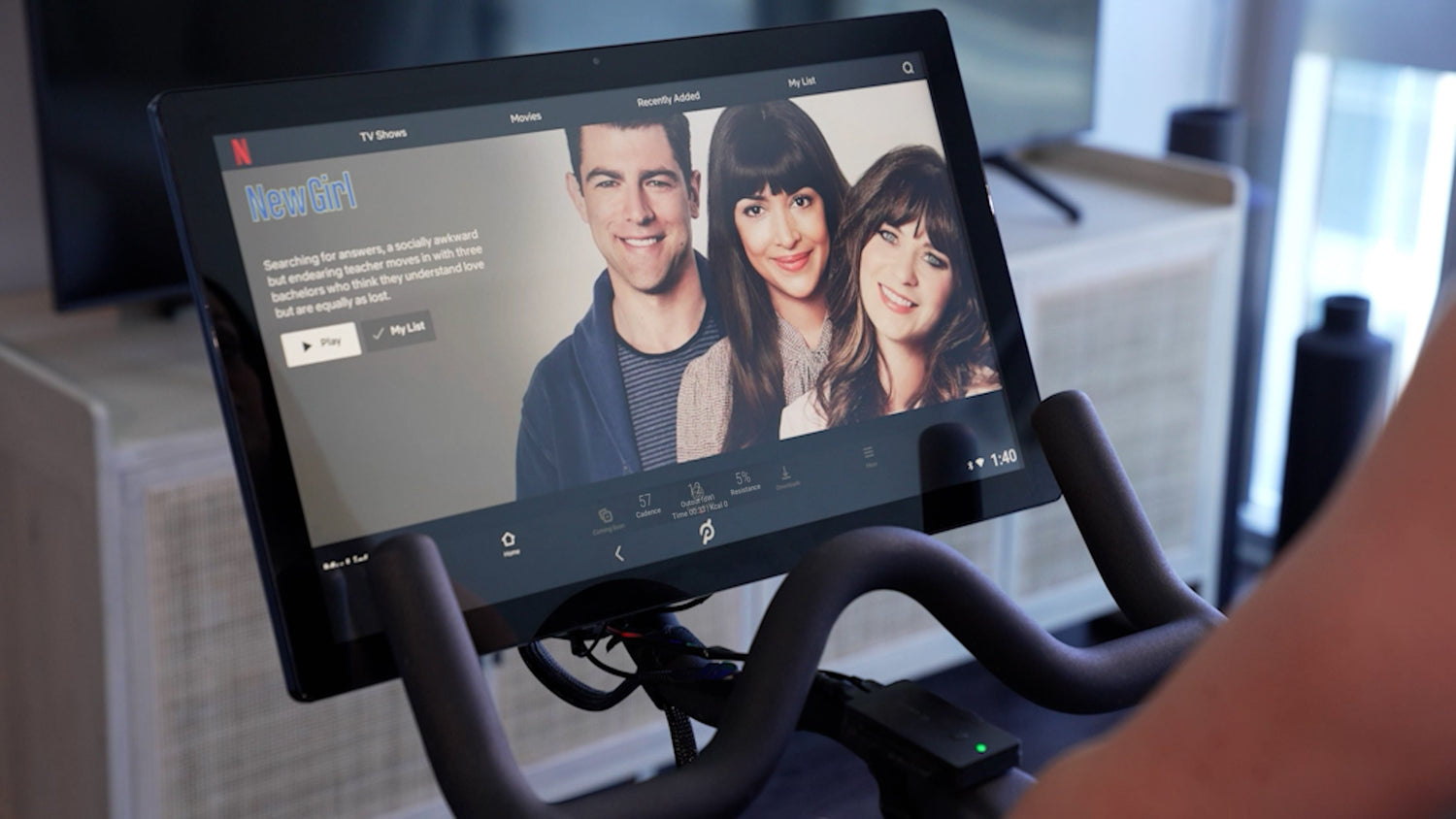
Cast Any App From Your Phone or Tablet
Mirror your phone or tablet’s screen onto your Peloton over Wi-Fi and control it right from the Peloton touchscreen. Run heavier apps on your device and watch them full-screen on the bike — with your workout metrics still overlaid.
Learn about casting ›Compatible Apps
-

Zwift
-

Rouvy
-

TrainerRoad
-

Hulu
-

Kinomap
-

Netflix
-

YouTube
-

Disney+
-

Spotify
-

Prime Video
-

ESPN
-

Firefox


What People Are Saying
Buy Now-

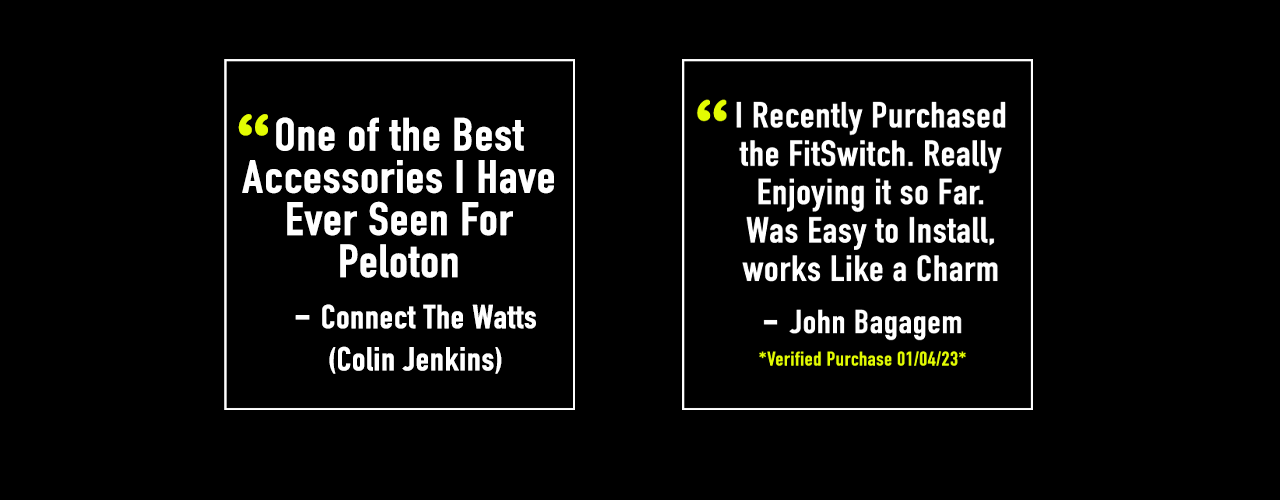
Youtuber Connect The Watts
-
John Bagagem
*Verified Purchase 01/04/23*
-

Youtuber dad.0
-
Youtuber KevTheTrainer
Frequently Asked Questions
Do I still need a Peloton subscription?
No! FitSwitch lets you use your Peloton screen for third-party apps like Zwift, Rouvy, Netflix and more — no Peloton subscription required. You can cancel your Peloton subscription and still use your bike with FitSwitch.
Which Peloton models does FitSwitch work with?
FitSwitch works with both the Peloton Bike and the Peloton Bike+. The installation process is slightly different for each model but both are supported and take about 5 minutes.
Will I still see my power, cadence, and calories?
Yes! FitSwitch includes a metrics overlay that displays your real-time power, cadence, calories, and other stats on top of any app you're using. Your Peloton sensors work seamlessly with FitSwitch.
Is FitSwitch easy to install?
Yes — installation takes about 5 minutes and requires no tools. Simply plug FitSwitch into your Peloton's USB port and follow the on-screen setup guide. We also have video tutorials and full support if you need help.
Can I still use the original Peloton app?
Absolutely. FitSwitch doesn't replace or modify the Peloton app. You can switch between the original Peloton experience and your installed apps whenever you want.